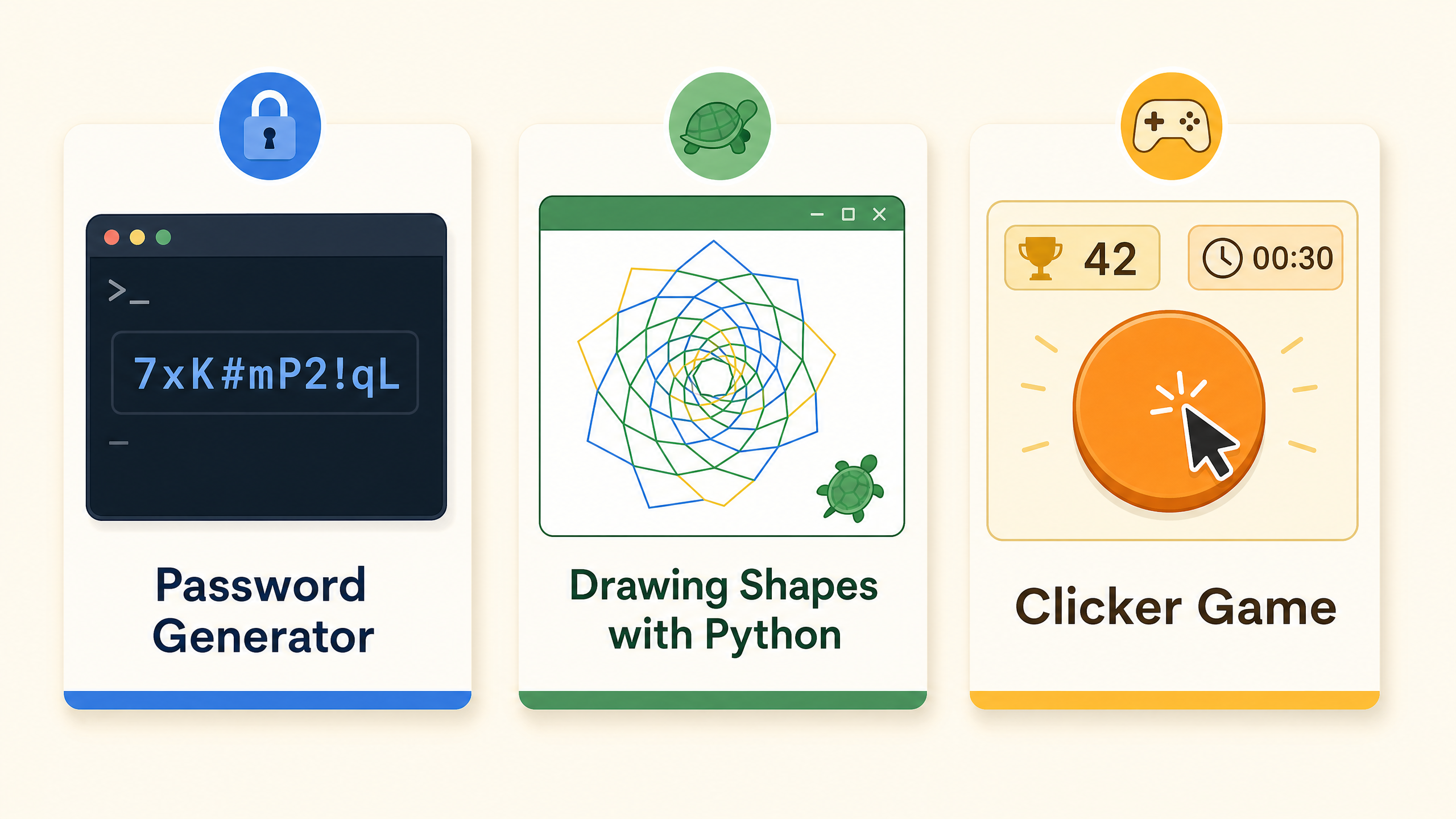
Password generator
A Python program that creates strong, randomized passwords using string manipulation and the random module — a practical tool students can actually use.
Python · Ages 9–14 · Live online
Bright Coders' Python classes for teens go beyond syntax drills. Students write real programs, debug their own code, and finish the intro course having built something they can actually run and share.
Free 2-month intro · No credit card · Live instructor · Browser-based — nothing to install
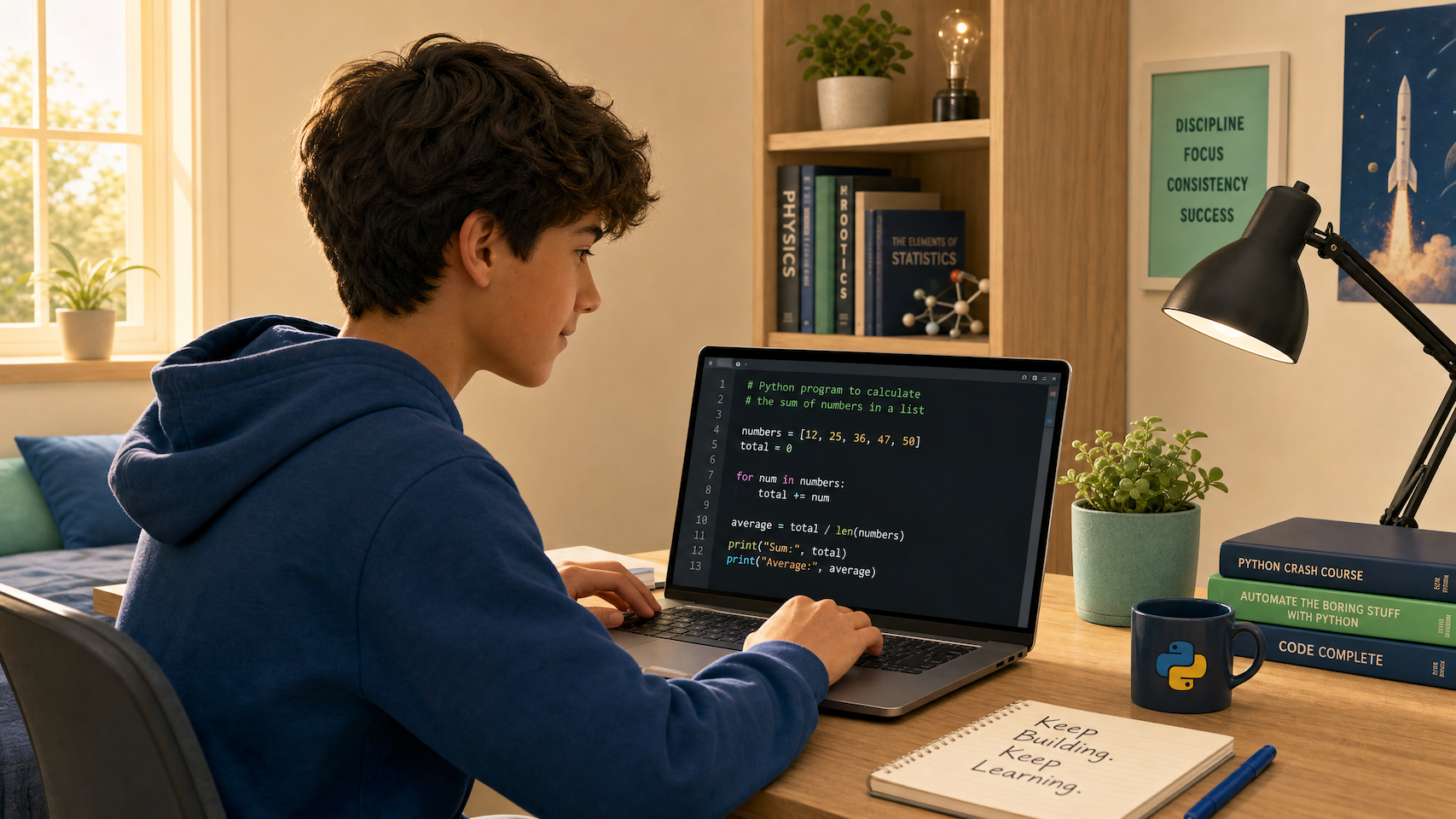
Why Python
Parents and teens comparing coding options often ask: "Why Python and not something else?" Here is the honest answer — and why it matters for a teenager specifically.
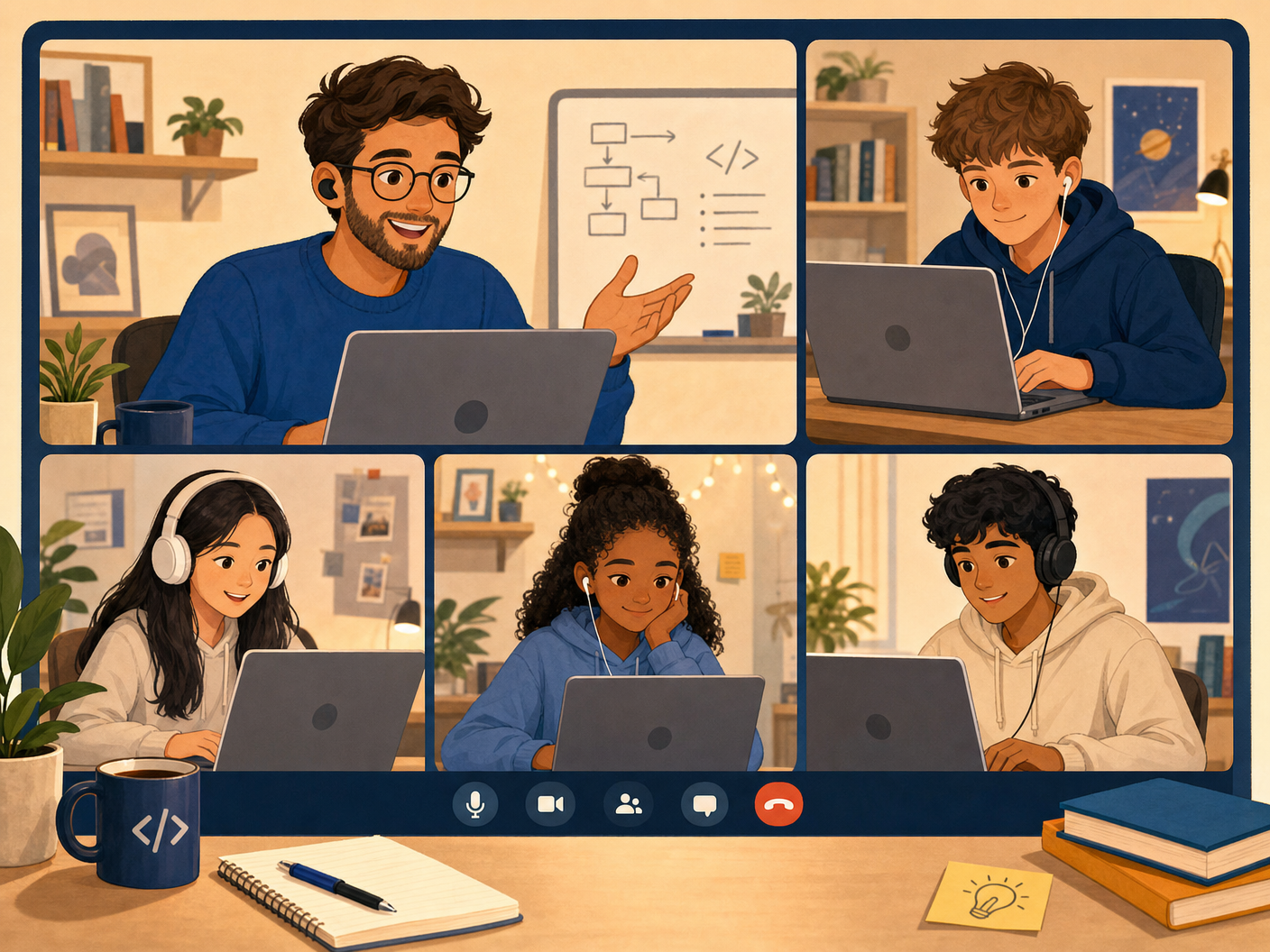
8-session curriculum
Each session is 50 minutes, held once per week. Students write code from the very first lesson — no setup, no downloads, no "watch me type" lectures.
Write your first Python program. Use the interpreter as a calculator and draw shapes with simple commands.
Combine text and numbers, format output, and understand the difference between data types.
Store and reuse values with variables. Understand naming conventions and how memory works in programs.
Build programs that take user input, store it in variables, and respond dynamically.
Use if and else to make programs that make decisions based on input.
Chain multiple conditions with elif, combine conditions with and / or, and debug logic errors.
Generate random numbers, repeat actions with loops, and understand iteration — the backbone of most real programs.
Apply everything learned to build a complete interactive guessing game — a real program that runs, responds, and keeps score.
What students build
Every project in the Bright Coders curriculum is designed to feel real. Students build things they can run, share, and modify — which is what keeps teens coming back week after week.
A Python program that creates strong, randomized passwords using string manipulation and the random module — a practical tool students can actually use.
Students use Python's turtle module to draw geometric patterns and complex shapes with loops — making abstract concepts like iteration visually satisfying.
A fully interactive clicker game built with Python — students handle mouse events, track scores, and update the screen in real time, combining logic with a fun result.
Class format
Self-paced tutorials work for some learners. For most teens, a live class with a real instructor and a group of peers makes the difference between finishing and quitting.
A real person who can answer questions, spot mistakes, and explain the same concept three different ways until it clicks.
Students learn together in real time, keeping a consistent weekly pace that builds momentum and makes it far easier to stay on track.
No installation required. Students open a browser, click a link, and start coding. Works on any laptop or desktop.
The editor provides context-aware hints when code has errors — so students learn to debug rather than just give up.
They learn how to break a problem into steps, test their ideas, and fix their code when something does not work. Those habits matter far more than memorizing syntax, and they are useful far beyond coding class.
We will not promise that your teen will build a full app in one weekend. What we can promise is that they will write real code from the first lesson and understand what they are creating.
My child started with almost no programming experience, so I wasn't sure how she would feel about the class. But she quickly became absorbed. It has been wonderful to see her understand concepts beyond her grade level, enjoy making interactive programs, and proudly share them with our family. Learning with other students in a supportive class has also helped her stay motivated and keep trying, even when the work gets challenging.
FAQ
Practical answers for families deciding whether to start the free introductory course.
Yes — Python is widely considered the best first language for teens. Its syntax reads almost like plain English, so students can focus on learning to think like a programmer rather than fighting confusing punctuation. It is also the language behind AI, data science, and automation, so the skills transfer directly to real-world applications and university-level computer science.
Most students are ready for structured Python classes between ages 9 and 10, when they can type comfortably and understand basic arithmetic. Bright Coders serves ages 9–14. Students who start at 13 or 14 with no prior experience typically progress quickly because their reading comprehension and logical reasoning are already strong.
No. The introductory course is designed for absolute beginners. The only requirements are a laptop, desktop computer or tablet (not a smartphone — the screen is too small), a stable internet connection, and the ability to type.
Self-paced tutorials are great for motivated learners who never get stuck. In practice, most students hit a wall within the first few hours and stop. Bright Coders uses live instruction so students can ask questions in real time, get immediate feedback on their code, and stay accountable to a weekly schedule. The social element also makes it more engaging.
By the end of the 8-session intro course, students will have built a complete interactive guessing game using variables, conditions, loops, and random numbers. More importantly, they will understand the core logic of programming and be ready to tackle more complex projects in the continuation course.
Yes. The full 8-session introductory course is completely free — no credit card required. After completing the intro, students who want to continue can join the 6-month beginner program.
Students who complete the intro course and want to continue join the 6-month beginner program. This covers functions, lists, dictionaries, file handling, and more complex projects. It is priced comparably to other live online coding schools.
Free to start · No credit card
Join the free 8-session Python introductory course. Your teen writes real code from lesson one — no setup, no prior experience needed.