Learn together live
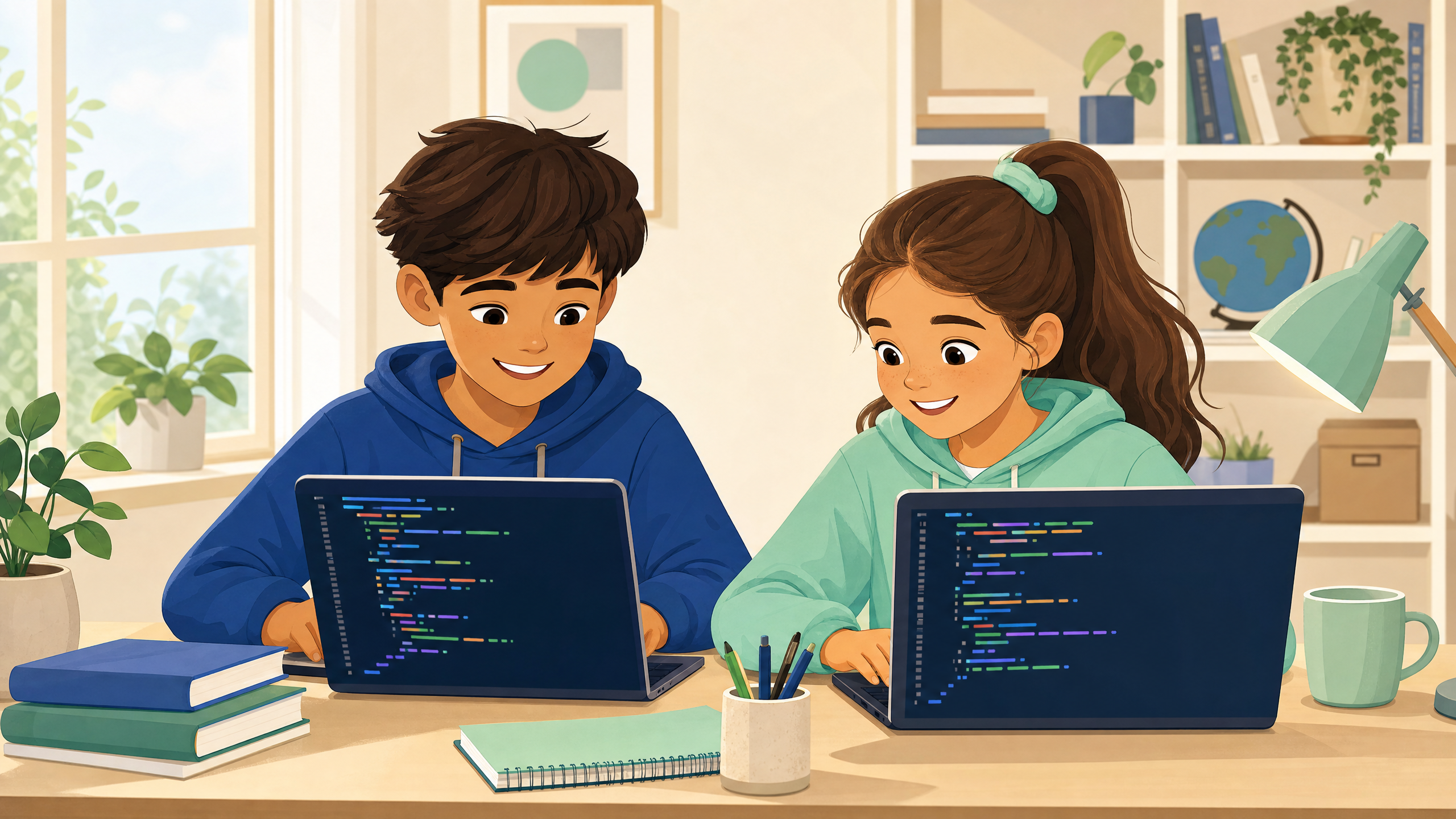
Students learn in live group lessons alongside peers, gaining inspiration from experienced teachers and seeing how other students think, build, and solve problems.
Live online · Ages 9–14 · Free to start
Bright Coders offers beginner-friendly live classes in Python and web programming. If you are comparing coding classes for kids, this page gives you the practical differences, the learning goals, and direct signup paths.
Warm, supportive instruction with clear foundations and hands-on learning — led by an MIT graduate and experienced coding & STEM educator.
Why online can work well
Parents searching for coding for kids often want more than a video library. They want a real learning environment where a child can ask questions, build something, make mistakes, and keep going with support.
Students learn in live group lessons alongside peers, gaining inspiration from experienced teachers and seeing how other students think, build, and solve problems.
Students learn by actually writing and running code in class. Every lesson includes guided examples, interactive exercises, and hands-on programming experiences.
We avoid promises about instant mastery. Good coding progress comes from repeated practice, debugging, and patient improvement — and we build that habit from day one.
Class options
Both kids coding classes are designed for ages 9–14 and focus on a positive first experience. The best choice depends on whether your child is drawn to logic-based programs or visual website projects.
Python path
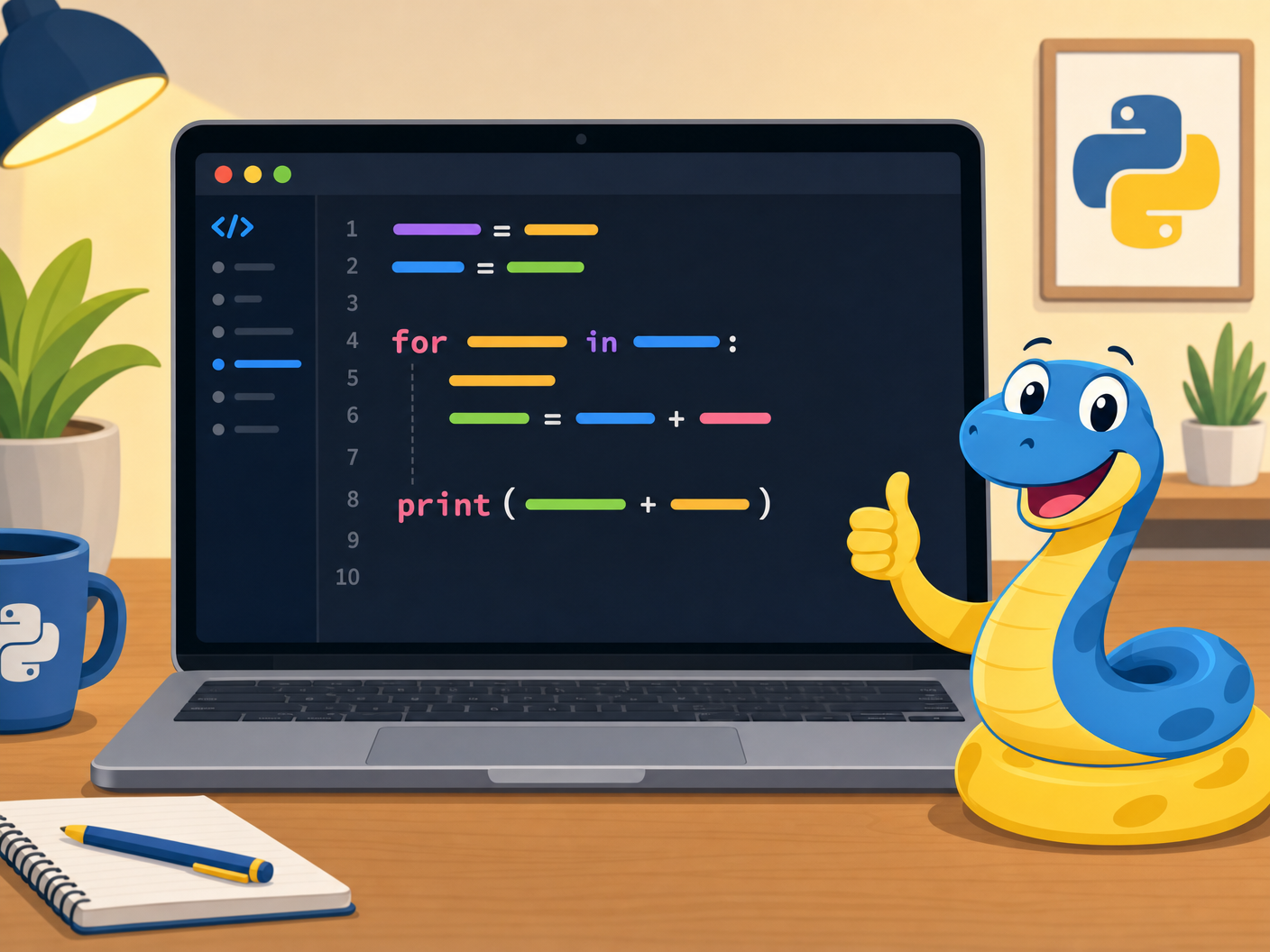
For students who want to learn programming foundations through simple Python programs — logic, loops, input, output, and debugging. No prior experience needed.
What students build, session by session
Web programming path
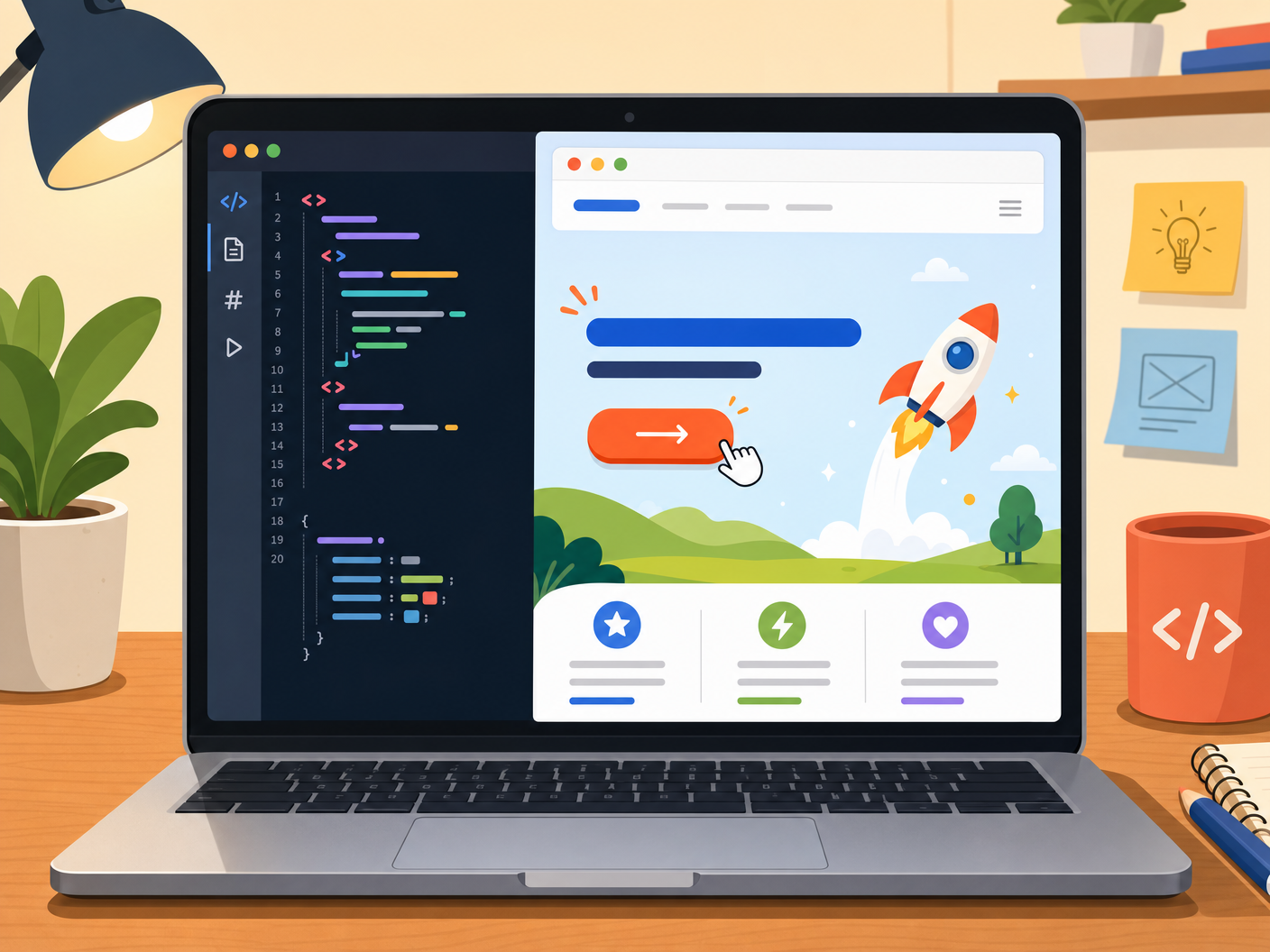
For students who want to build their first website while learning HTML, CSS, and beginner JavaScript interactions. See results instantly in the browser.
What students build, session by session
How to choose
When comparing a coding school for kids, look at both the learning curve and the kind of projects that will keep your child interested. The best first class is usually the one a student is most likely to keep practicing.
Python is usually easier to start because the syntax is clean and readable. It is a strong fit for students who like puzzles, math, logic, or step-by-step problem solving.
JavaScript works with HTML and CSS, so there are more pieces to learn at once. The tradeoff is motivating: students can create websites, buttons, animations, and visible interactions they can share.
Compare classes
This overview is meant to make the choice easier if you are looking for free coding for kids, trial options, or a first online class that feels manageable.
| Question | Python Intro | Web Programming Intro |
|---|---|---|
| Main skill focus | Programming logic, variables, loops, conditionals, and debugging | HTML structure, CSS design, and beginner JavaScript interaction |
| Early learning curve | Usually simpler at the beginning — students focus directly on coding logic without worrying about visual layout | Can involve more details because students learn page structure, design, and interaction together |
| What students build | Small programs — calculators, logic games, and a simple game in the final session | An interactive website project students can see in a browser and share with friends |
| Best fit | Students who like problem solving, math, logic, and step-by-step challenges | Students who like visual projects, design choices, animations, and creative pages |
| Sign up | Python signup → | Web programming signup → |
Interest often grows after a child has a few good experiences. Bright Coders keeps early classes practical, friendly, and grounded in real building, so students can discover whether they want to continue.
My child started with almost no programming experience, and I wasn't sure how she'd take to it — but she's become completely absorbed. It's been amazing to see her grasp concepts beyond her grade level, enjoy creating interactive programs, and eagerly share them with our family.
FAQ
Here are practical answers for families deciding whether to book an online introductory class.
Yes. Bright Coders introductory classes are built for students ages 9–14 who are new to coding or still early in their learning path. No prior experience is needed — the only requirements are a computer, a stable internet connection, and the ability to type.
Choose Python if your child is drawn to logic, problem solving, or a cleaner first syntax. Choose web programming if your child is excited by websites, design, animation, buttons, and visual feedback. Either can be a good first step when the project keeps the child engaged. Many students take both courses.
Yes. The full 8-session introductory course is completely free — no credit card required. Use the Python or web programming registration pages to sign up and select a weekly time slot that works for your family.
Each session is approximately 50 minutes, held once per week. The free introductory course spans 8 sessions over 2 months. After completing the intro course, students who want to continue can join the 6-month beginner program.
No. The classes are designed so students can follow the instructor live, ask questions, and learn through guided practice. Parents do not need to understand the material — though many tell us they learn a thing or two by watching.
A laptop, desktop computer or tablet (not a smartphone — the screen is too small for the coding exercises), a stable internet connection, and the ability to join a live online session. No software installation is needed — everything runs in the browser.
No, and we will not pretend otherwise. A good introductory class should build comfort, foundations, and motivation. Long-term coding progress takes continued practice. Our goal for the intro course is simple: give your child a positive first experience and a reason to keep going.
Students can reschedule to another class section within the same week. We understand that family schedules are unpredictable and build flexibility into the program. We also have review videos to watch.
Choose a starting point
Start with the free introductory course — no credit card, no commitment. Both paths are designed to give your child a positive first experience with coding.